How do I download my project?
Open your completed Drawify project and use the available download or export controls in the editor. The formats and export options shown can depend on your current Drawify plan.
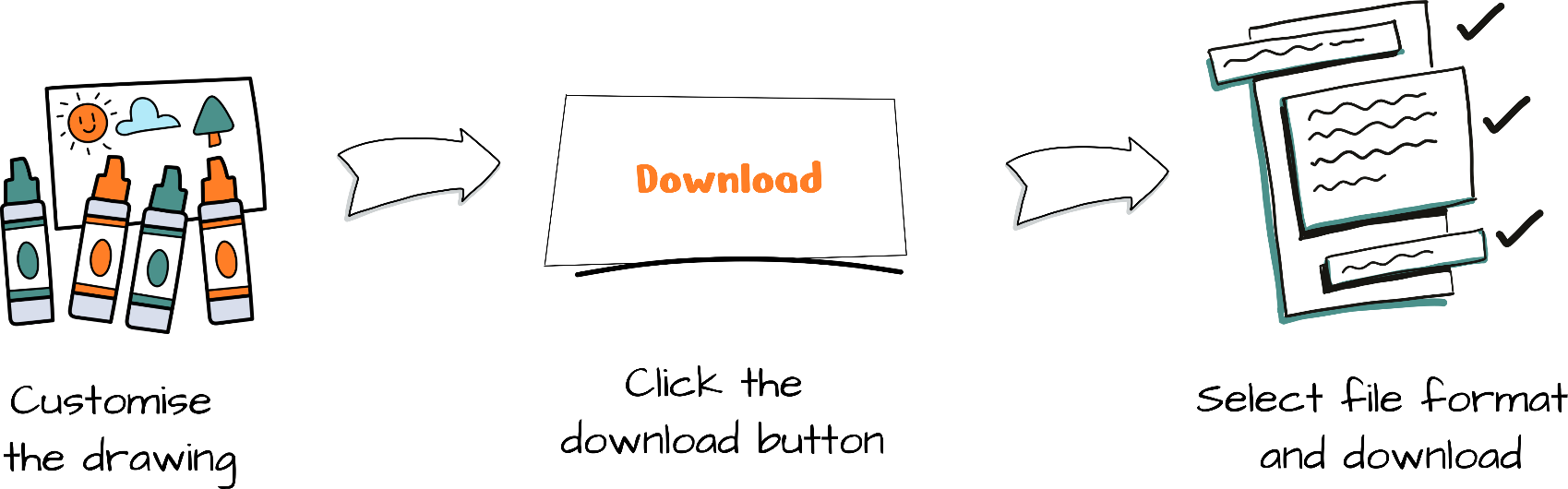

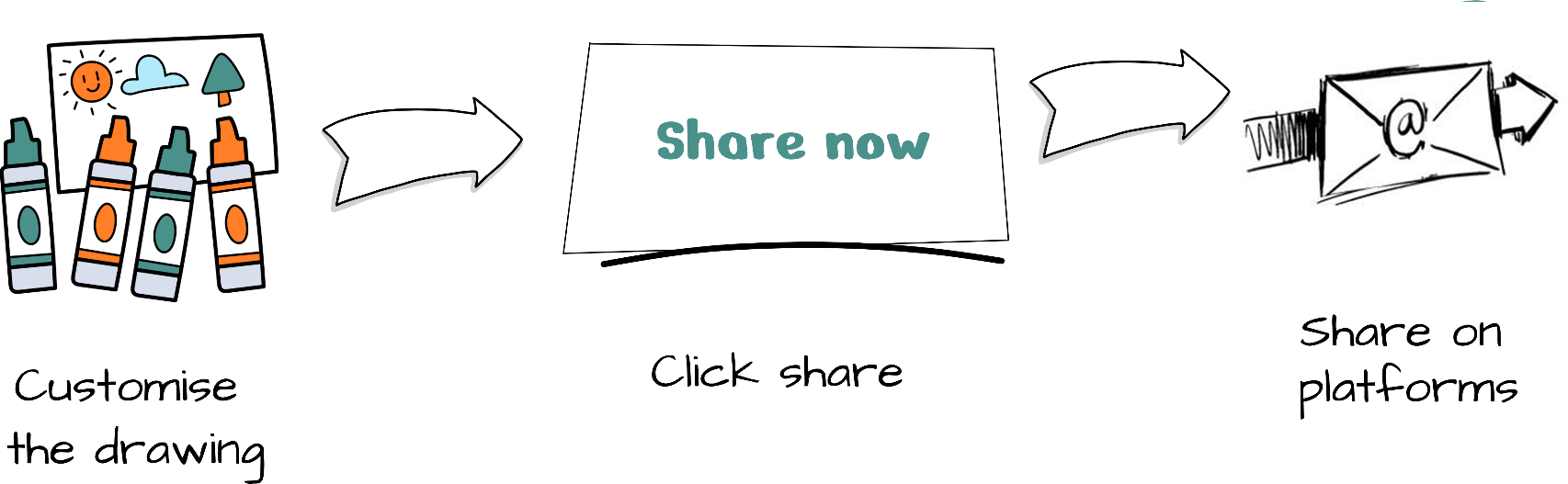
Learn how to download, share and save Drawify projects, including practical guidance for exporting visuals and managing your finished work.
Contact us and we’ll get back to you as soon as we can.
Other help topics: Login and Registration Payments, Pricing and Billing Editing and Designing with the Drawify Tool
Subscribe to the Drawify Newsletter, and feed your creativity with visualisation tips and techniques, as well as the latest Drawify workshops, news and resources.